
Wardi · Android
Upscale photos and anime on your device.
Upscale photos and anime illustrations with on-device AI. Wardi enlarges your images with the selected model and saves the results as new image files.
Google Play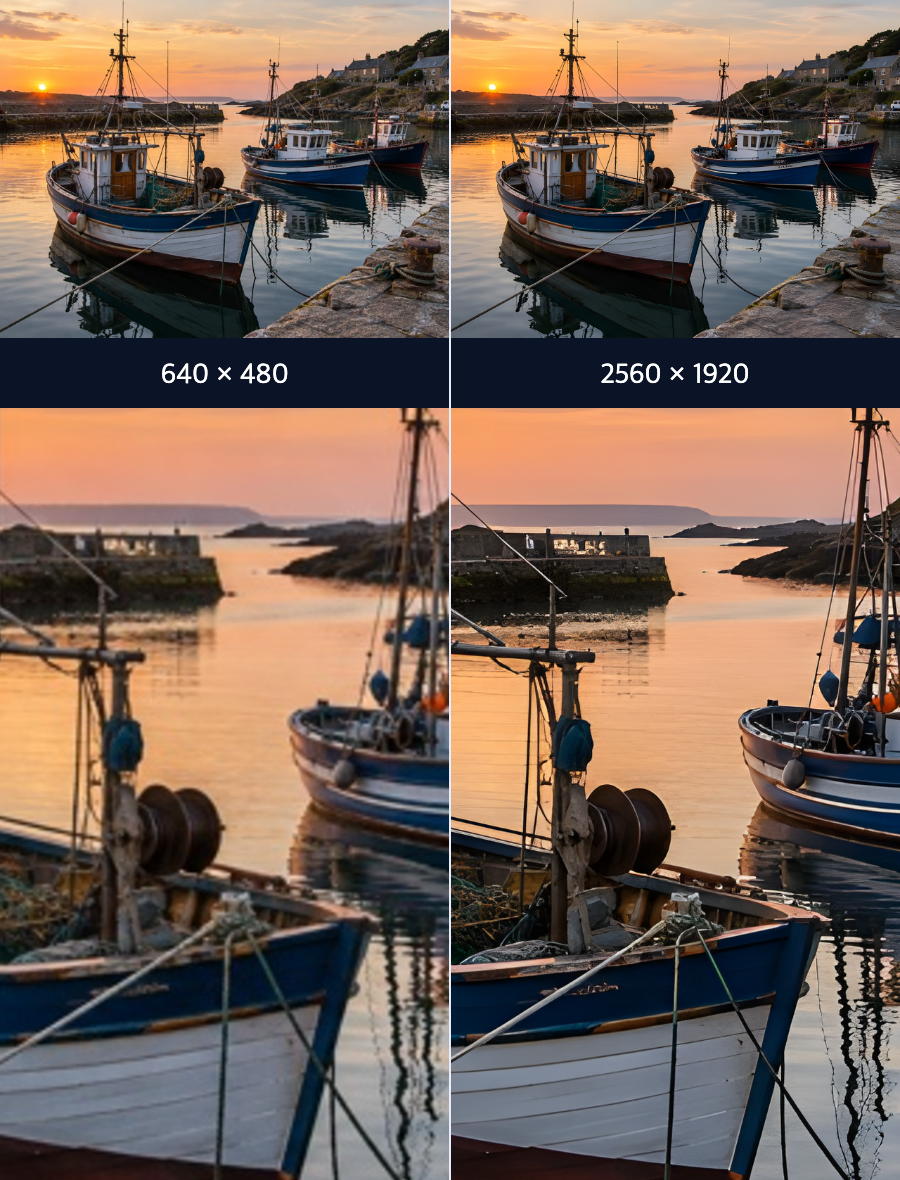
Upscale your photos
Real-ESRGAN · 640 × 480 → 2560 × 1920
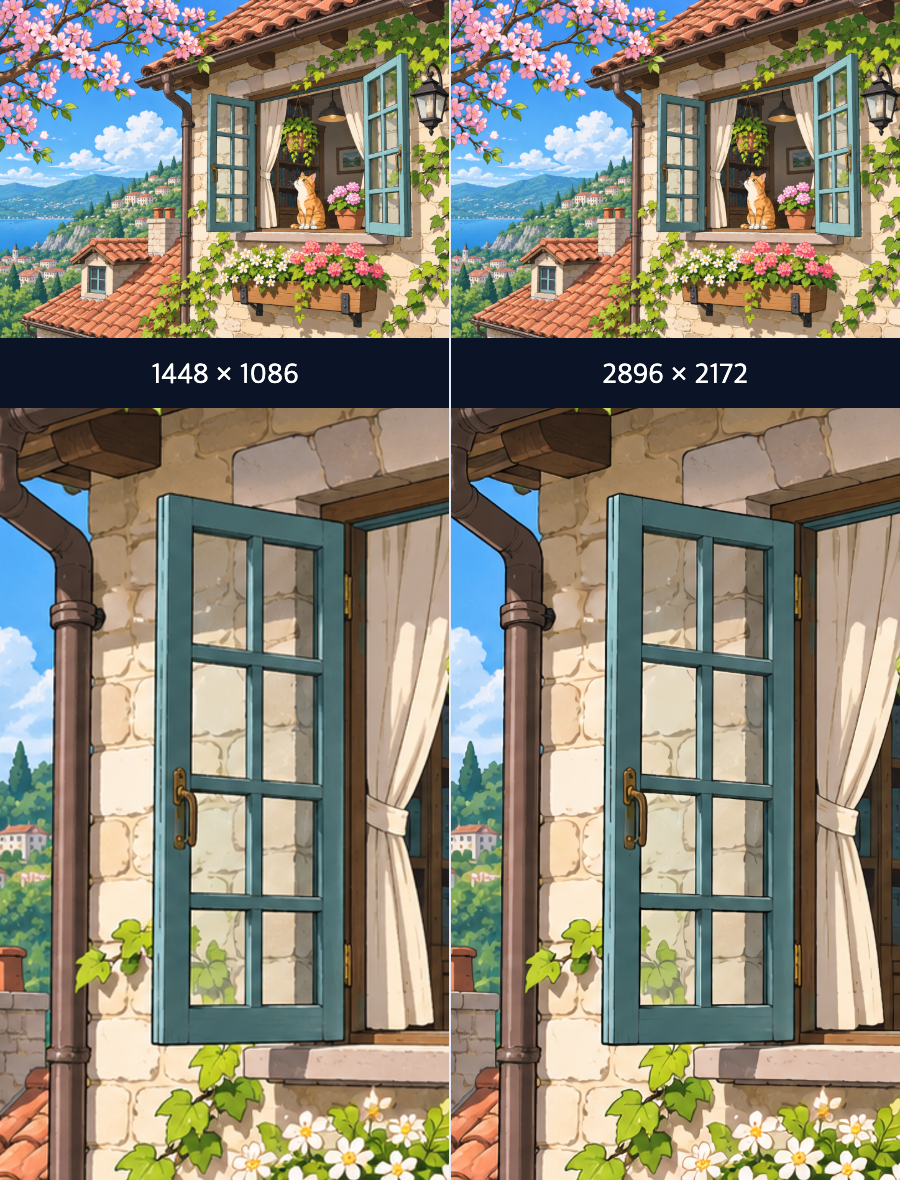
Upscale your anime
waifu2x · 1448 × 1086 → 2896 × 2172
Key features
Model
Models for both image types: Choose from Real-ESRGAN, SwinIR, and models suited to anime and illustrations. Model and setting support depends on your selection.
Add images
Batch upscaling: Process several photos, anime illustrations, or a mix of both in sequence, with progress and completion shown for each image.
Denoise
Adjustable noise reduction: Fine-tune denoise levels where supported to balance cleaner results with image detail.
Output format
Output options: Choose an image format and save the upscaled results to your preferred location.
Option guide
Add a photo or an anime illustration, choose a model and enlargement scale, then start upscaling. Follow the result in the queue and find the saved image in your chosen location.
Local processing · Google Mobile Ads · Firebase
Image upscaling runs on your device. Google Mobile Ads connects to Google’s services.
Ad-free conversions: Each image uses one. Conversion starts right away while ad-free conversions remain.
Conversion starts when the ad is displayed and continues if you close it. Optional: watch one ad to add 5.
Usage statistics · Google Analytics for Firebase
Wardi uses Google Analytics for Firebase to collect usage statistics that help improve the app and measure ad performance. It collects the app instance ID, the Android advertising ID, approximate location (country or region) derived from your IP address, app usage events such as launches, sessions, conversion success or failure, ad opportunities and rewarded ad rewards, and device and OS information.
Personally identifiable information such as images, file names and anything you type is never sent. Data is encrypted in transit with TLS.
In the EEA and other regions covered by Google’s EU user consent policy, the use of your data for advertising and ad personalization is denied by default (Consent Mode).
To stop sending usage statistics, turn off “Send usage statistics” in the app’s settings. You can also reset or delete your advertising ID in your device settings.
How Google uses information from sites or apps that use its services
Google Privacy Policy